LocalSound
Плеер вашей личной медиатеки
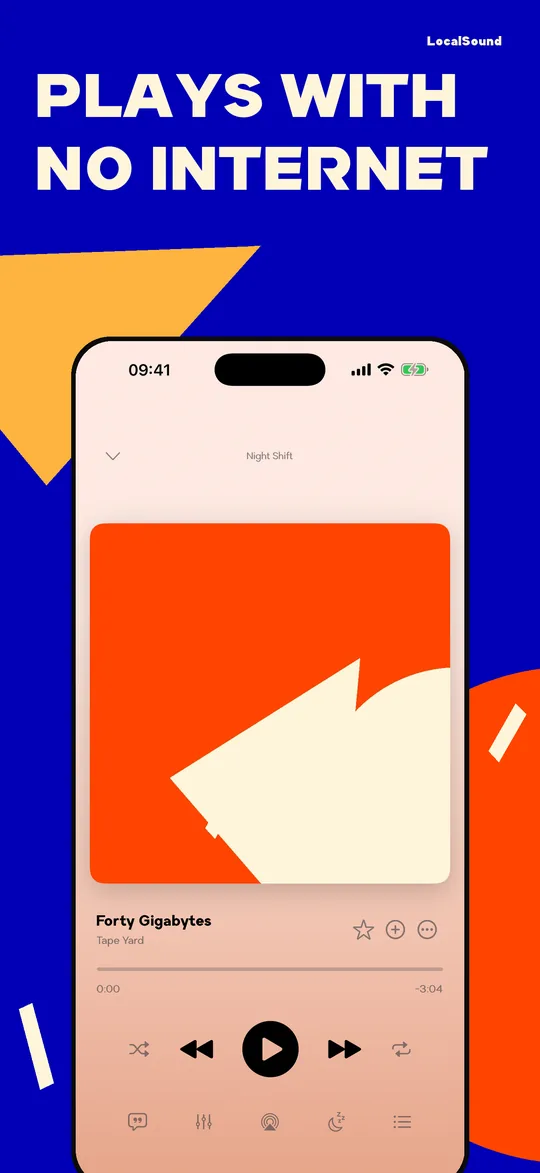
Ваша музыка. Ваш плеер. Ничего лишнего. Файлы лежат на iPhone и играют без интернета, и никто не решает за вас, что слушать. Без рекламы и без регистрации. Первые 14 дней бесплатно, дальше подписка или разовая покупка.
iPhone · Apple Watch · CarPlay
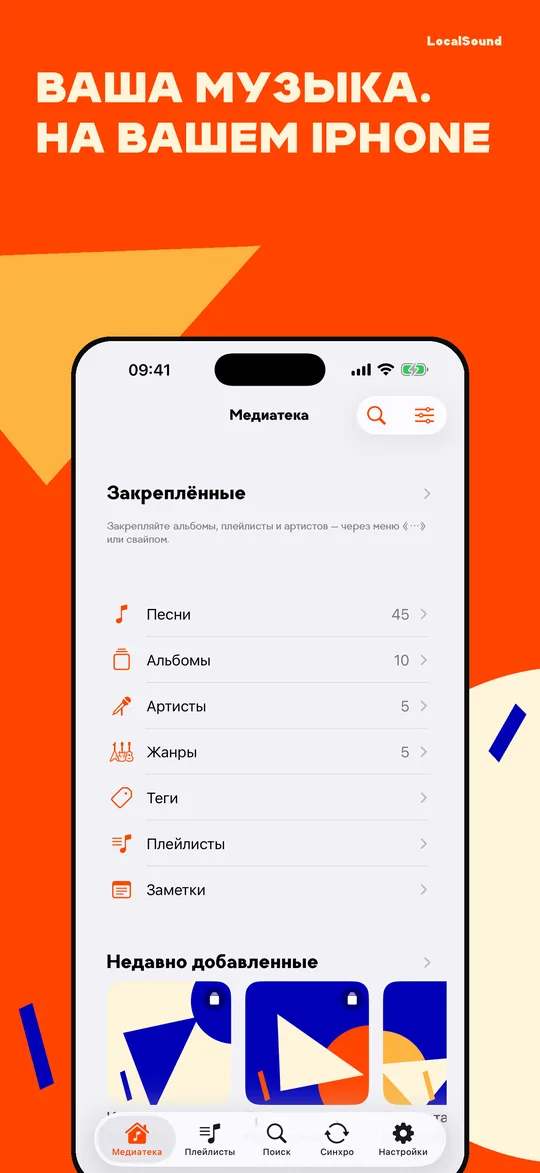
Медиатека собирается сама
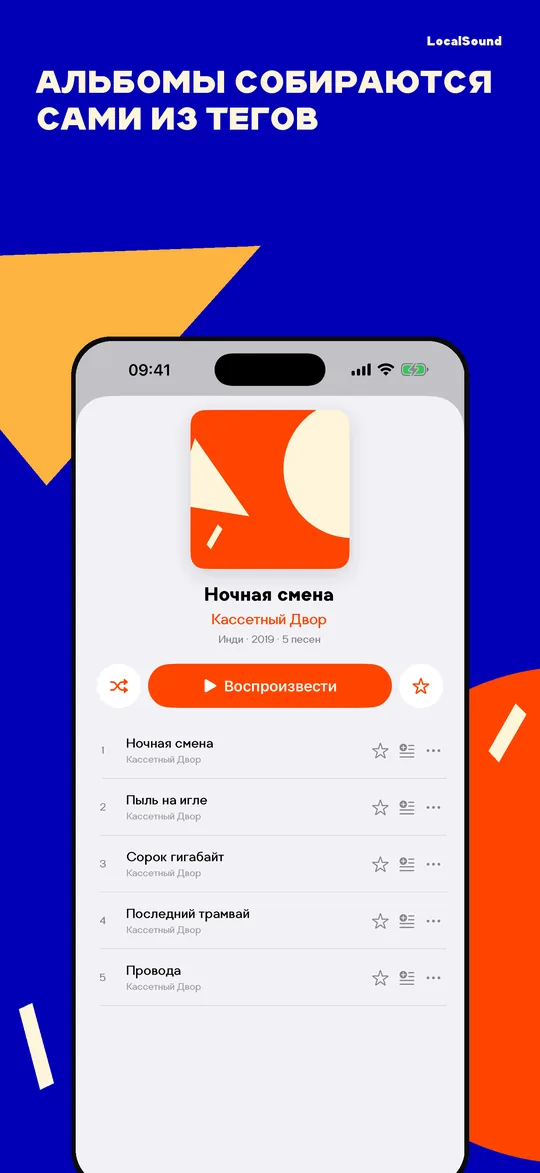
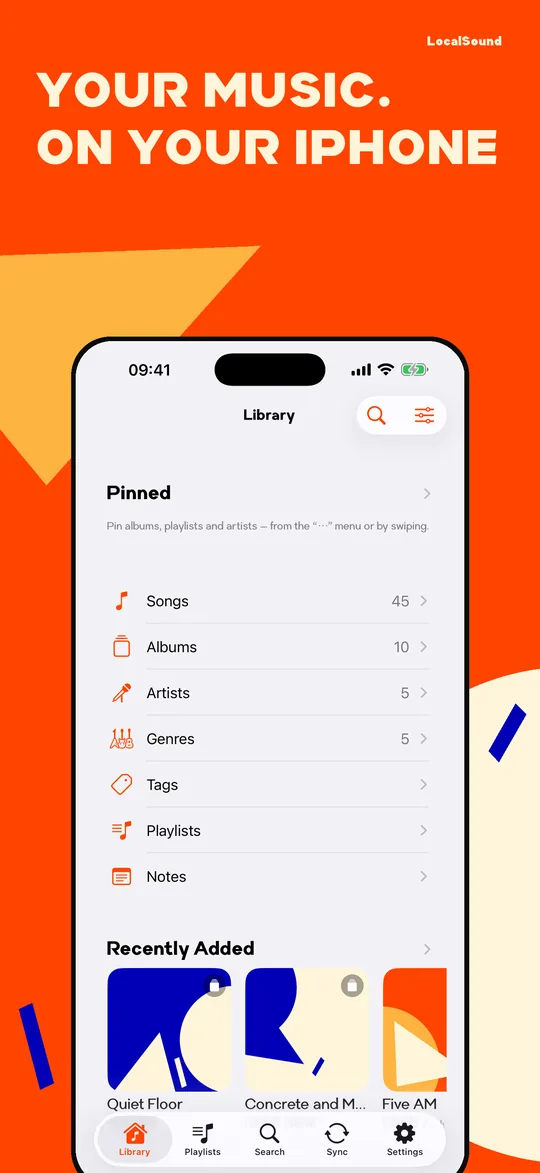
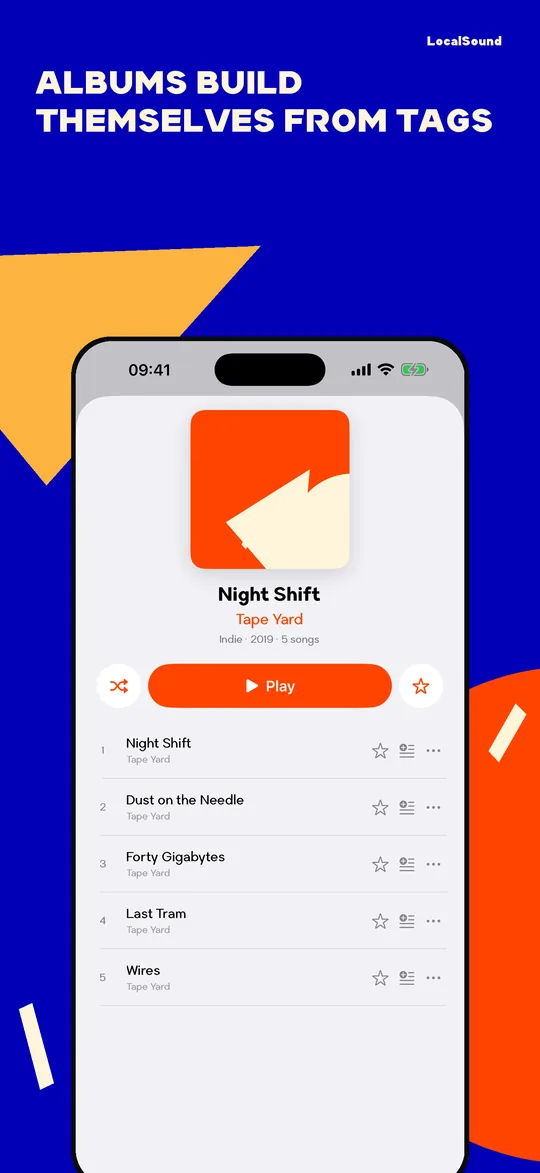
- Альбомы, артисты, песни и жанры раскладываются из тегов ваших файлов
- Любимое, закреплённое, недавно добавленное
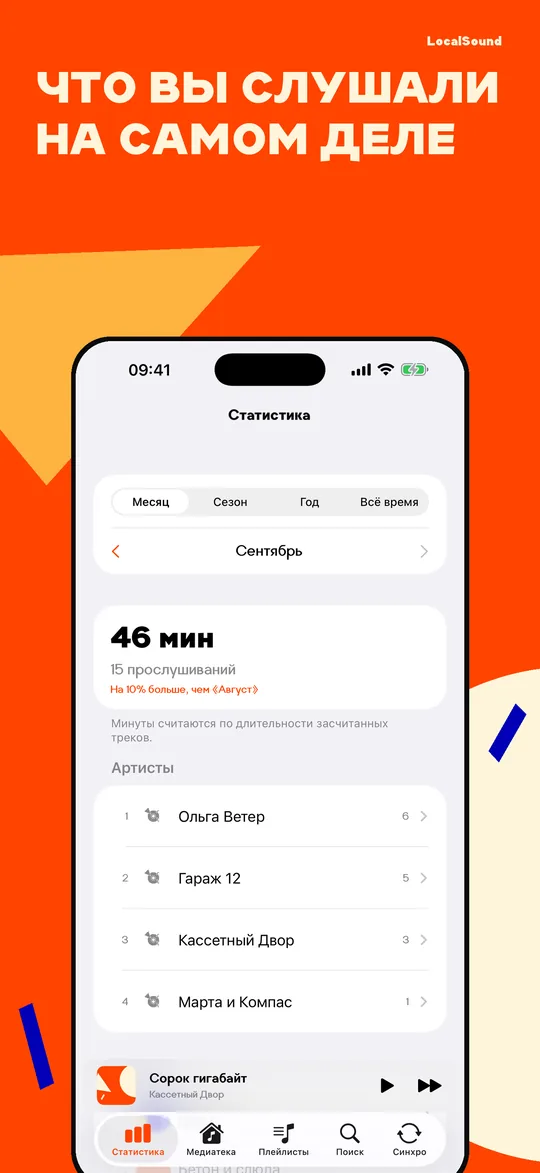
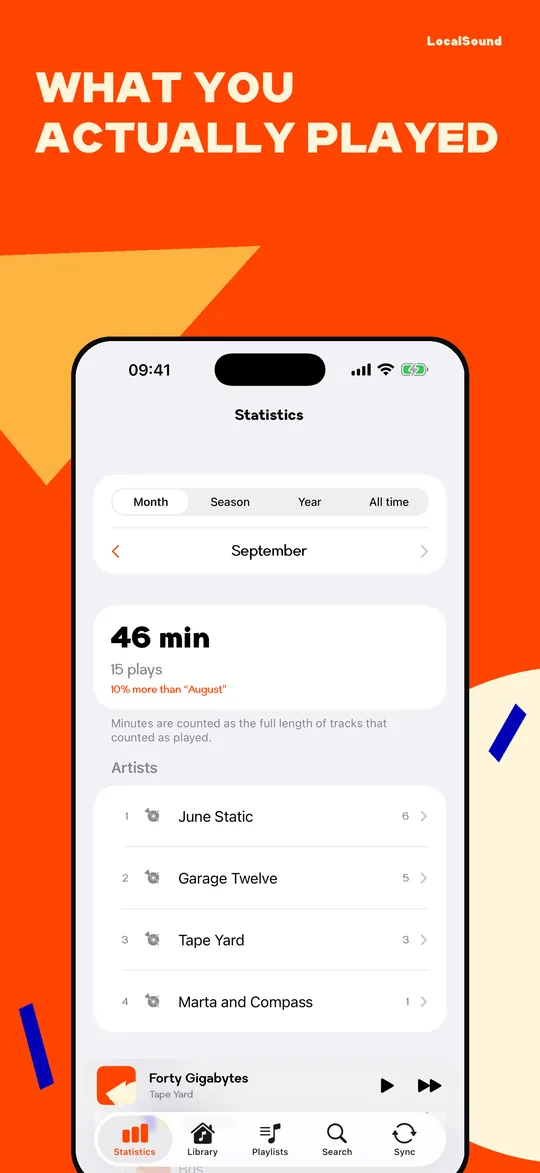
- «Для вас» — подборки по вашей же истории: давно не слушали, вернуться к альбому, похожее по жанру
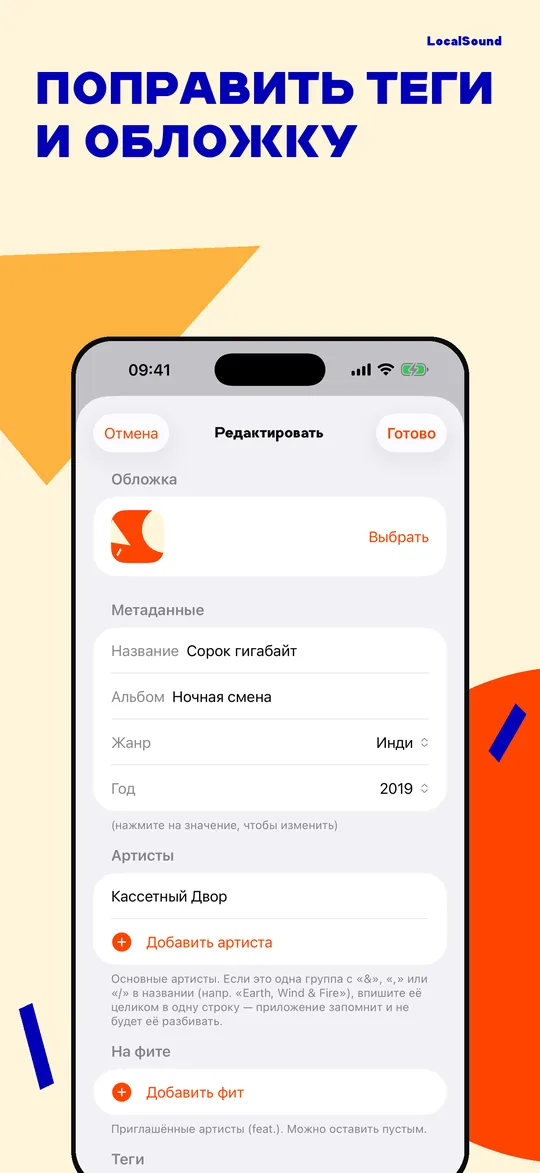
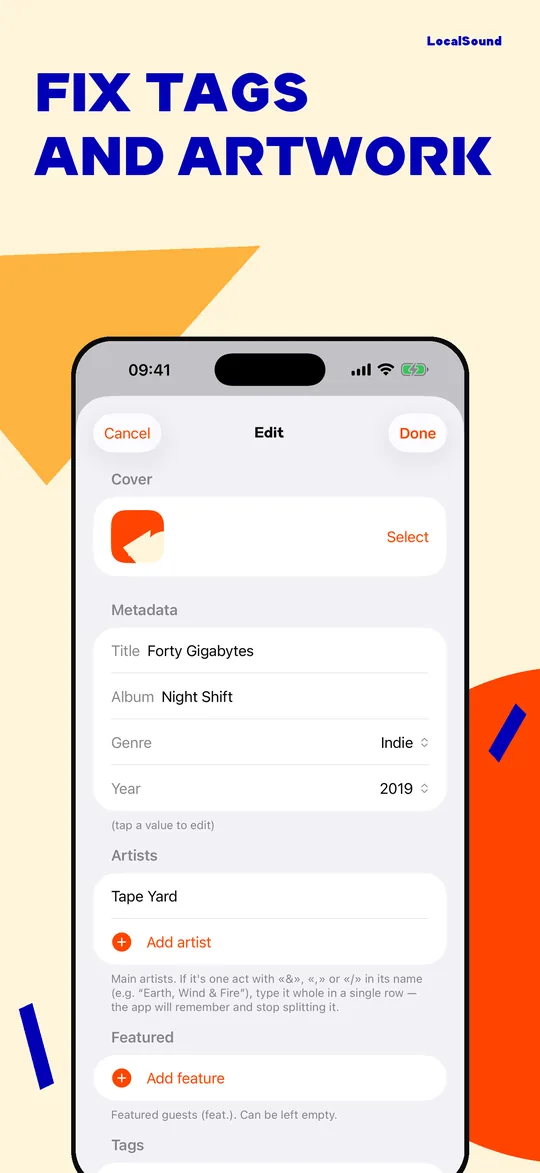
- Редактор тегов и обложек: поправить название, артиста, год, картинку — и своё фото артисту
Плеер
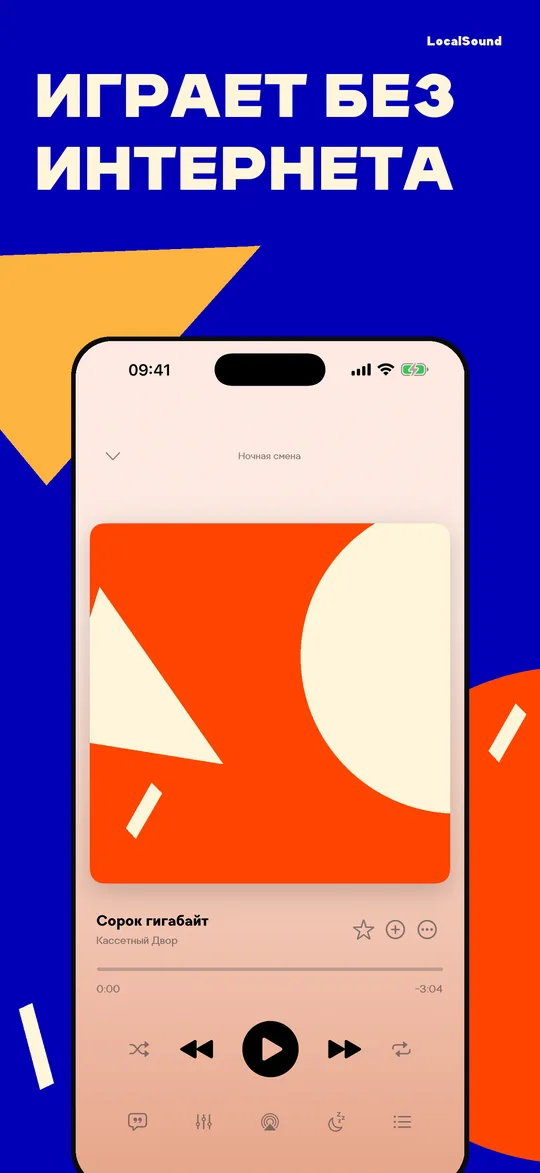
- Полноэкранный плеер и мини-плеер над таб-баром
- Gapless — треки идут встык, без паузы между ними
- Кроссфейд с настраиваемой длительностью
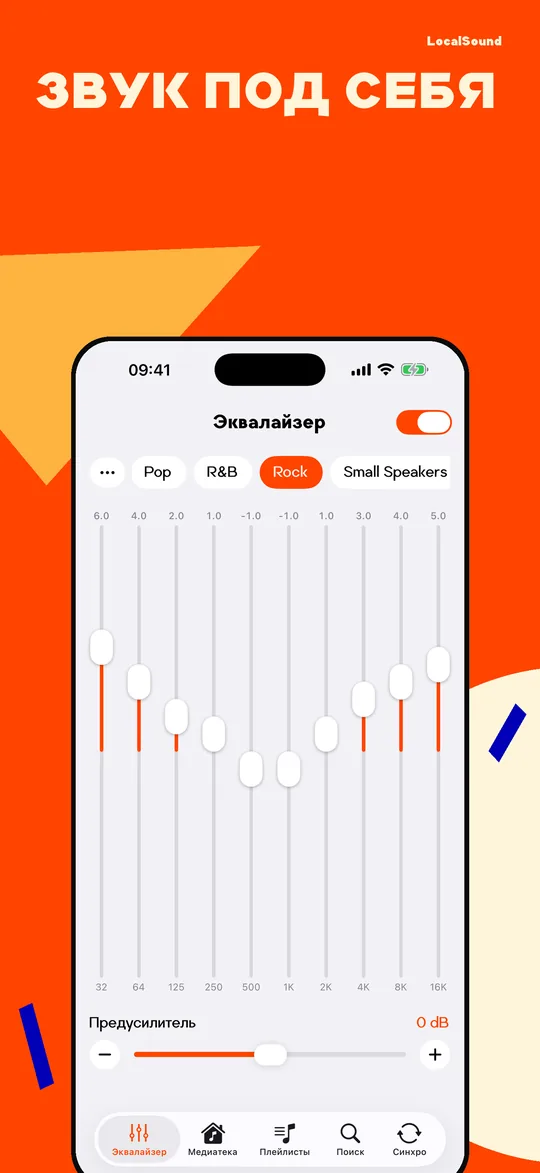
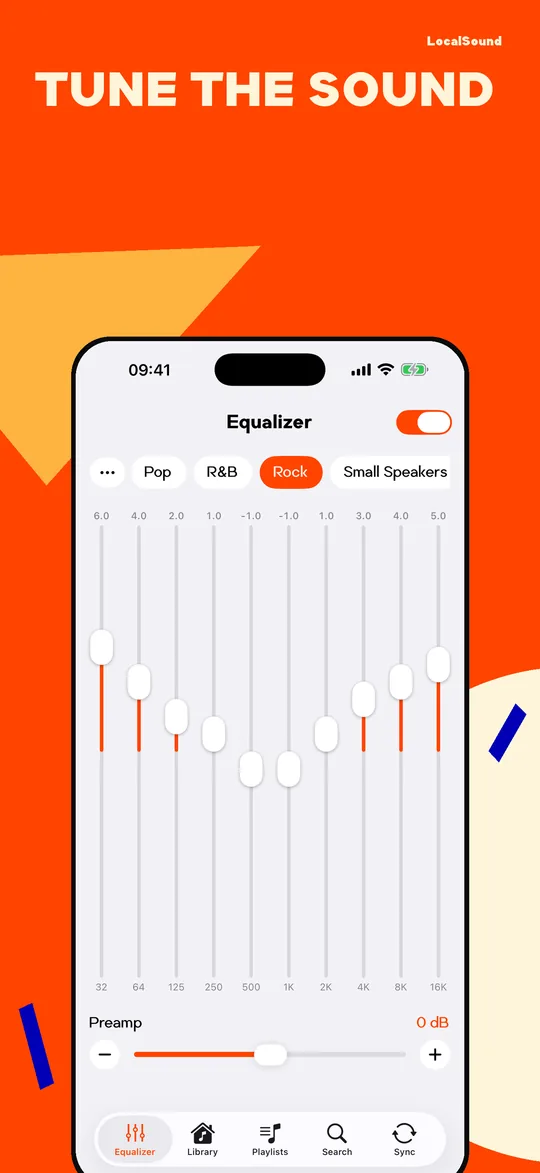
- Эквалайзер на 10 полос: пресеты и свои сохранённые настройки
- Таймер сна и очередь с перетаскиванием
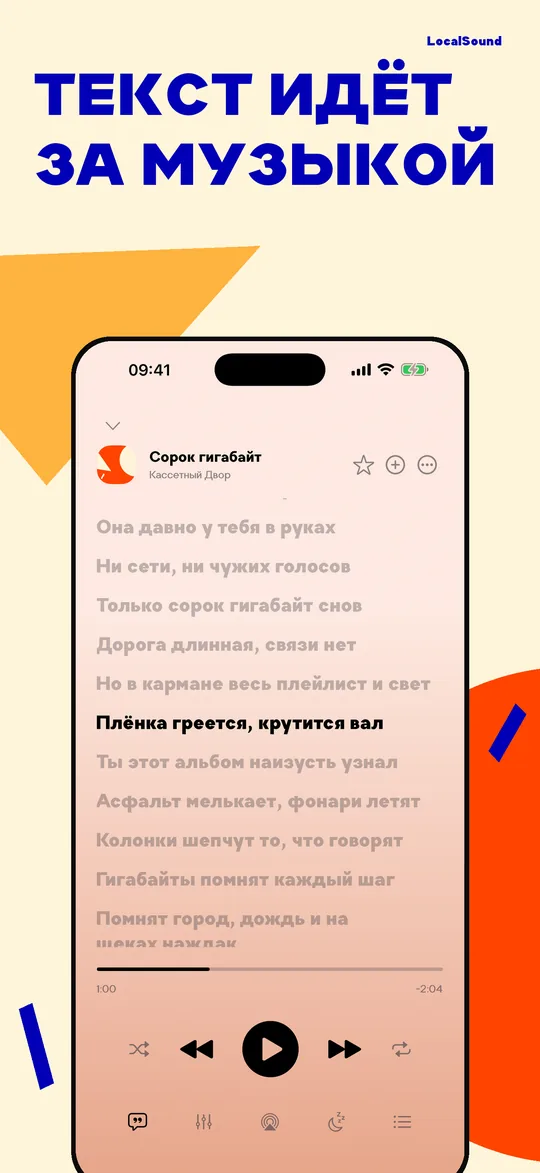
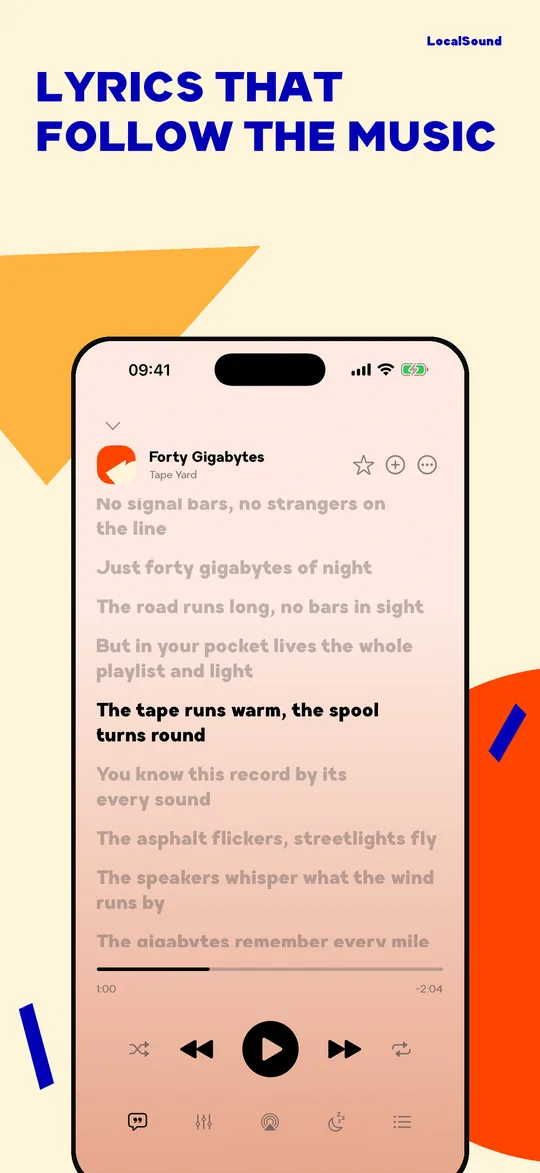
- Тексты песен — из тегов вашего файла или из источника, который вы укажете сами
- Экран блокировки, наушники, AirPlay
Форматы и как добавить музыку
- MP3, AAC и M4A, ALAC и FLAC без потерь, WAV, AIFF, CAF, Opus, M4B
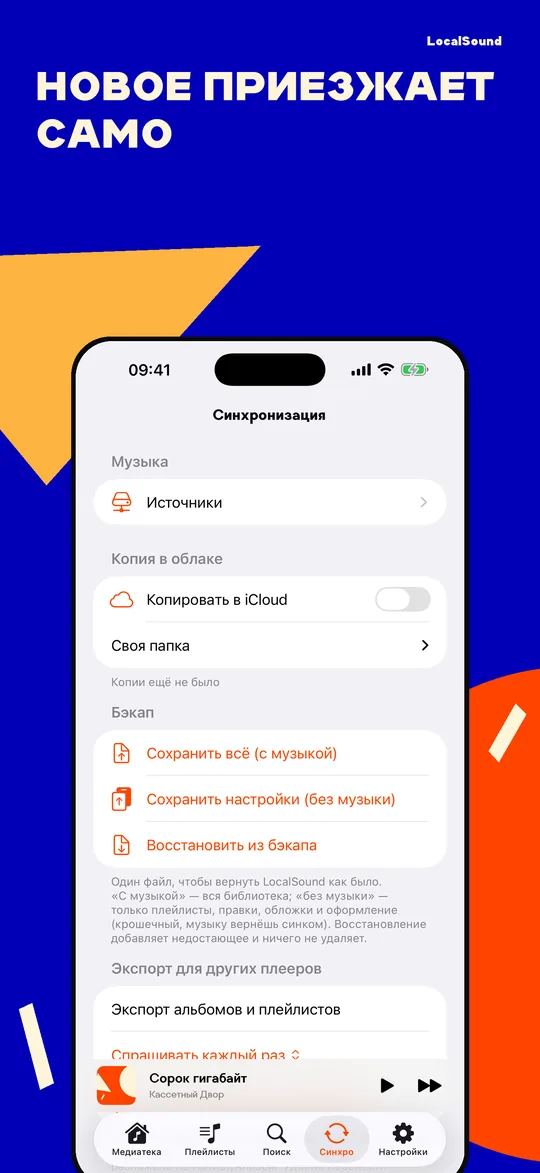
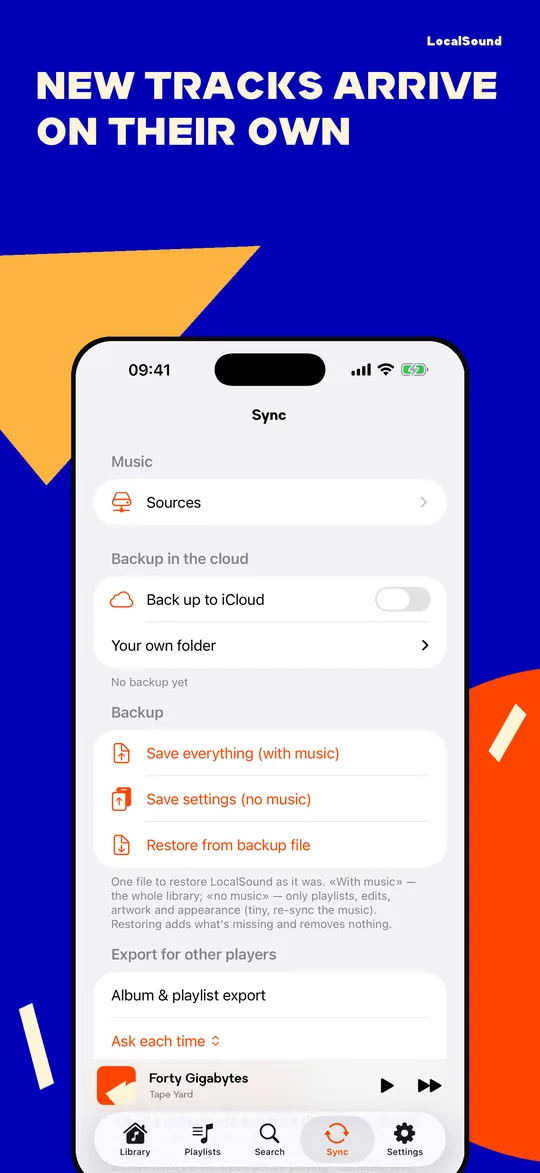
- Со своего сервера: WebDAV или домашний NAS — укажите папку один раз, и дальше приезжает только новое
- Из «Файлов» — по одному треку, папками и zip-архивами
- Кнопкой «Поделиться» из любого другого приложения
- Дубликаты узнаются по содержимому файла — одна и та же песня не размножится
- Кончается место — «Сжать файлы» переводит записи без потерь в компактный AAC и заранее показывает, сколько освободится
Плейлисты
- Обычные: перетаскивание, мультивыбор, сортировки
- Смарт-плейлисты — живые правила по жанру, году, артисту, BPM, длительности, избранному и качеству записи
- Нужный плейлист закрепляется наверху списка — и на телефоне, и в CarPlay
- Своя картинка на обложку — или обложка первого трека по умолчанию
Поиск, который прощает опечатки
- Только по вашей библиотеке, мгновенно по мере ввода
- Опечатки, «е/ё», транслитерация: «korol i shut» найдёт «Король и Шут»
- История запросов
Везде, где вы слушаете
- Apple Watch: медиатека прямо на часах, музыку можно держать на них и слушать в наушниках без телефона
- CarPlay: альбомы, плейлисты, избранное, запуск голосом через Siri
- Виджеты: обложка и управление на экране «Домой», полка «Недавно слушали» — тап по обложке играет её, не открывая приложение
Ваша организация не потеряется
- Резервная копия плейлистов, избранного, правок тегов и оформления — одним файлом
- Возвращается поверх той же музыки после переустановки или на новом iPhone
- Темы и фоны, свой акцентный цвет, интерфейс на 37 языках
Сколько стоит
Первые 14 дней — бесплатно и целиком, и отсчёт идёт с первой включённой песни, а не с установки: неделя на сборку медиатеки его не съедает. Дальше воспроизведение открывает LocalSound Pro — 149 ₽ в месяц, 1490 ₽ в год или 4990 ₽ разово, навсегда. Медиатека, импорт, экспорт и резервная копия бесплатны всегда: ваши файлы не запираются никогда.
Приватность
Нет аккаунта и регистрации. Нет рекламы и трекеров. Ваша музыка остаётся на устройстве. Обезличенная статистика использования отключается одним переключателем, а полный список отправляемых событий виден прямо в приложении.
Чего здесь нет
Каталога, стриминга и чужой музыки. LocalSound ничего не ищет в интернете и ничего не раздаёт — он играет то, что вы принесли сами.
Что дальше
Это планы, а не часть покупки. Работаем над личным облаком: коллекция целиком живёт в вашем хранилище, а место на iPhone занимает только то, что вы слушаете, — и её не придётся переносить руками на новый телефон. Пишите, что добавить следующим: support@localsound.app
LocalSound
Player for your own music
Your music. Your player. Nothing else. Your files live on the iPhone and play with no internet, and nothing decides for you what to listen to. No ads, no sign-up. Free for the first 14 days, then a subscription or a one-time purchase.
iPhone · Apple Watch · CarPlay
The library builds itself
- Albums, artists, songs and genres come straight from the tags in your files
- Favorites, pinned, recently added
- "For You" — picks from your own listening history: not played in a while, back to an album, more of this genre
- Tag and artwork editor: fix a title, artist, year or cover, and give an artist your own photo
The player
- Full-screen player plus a mini player above the tab bar
- Gapless — tracks run edge to edge, with no silence between them
- Crossfade with adjustable length
- 10-band equalizer with presets and your own saved settings
- Sleep timer and a queue you can drag to reorder
- Lyrics — from the tags in your own file, or from a source you add yourself
- Lock screen, headphone controls, AirPlay
Formats and adding music
- MP3, AAC and M4A, lossless ALAC and FLAC, WAV, AIFF, CAF, Opus, M4B
- From your own server: WebDAV or a home NAS — pick a folder once, and from then on only what's new comes over
- From the Files app — one track at a time, whole folders, or zip archives
- Straight from any other app with the Share button
- Duplicates are recognized by file content, so the same song never piles up twice
- Low on space? "Compress files" turns lossless tracks into compact AAC, and says up front how much it will free
Playlists
- Regular ones: drag and drop, multi-select, sorting
- Smart playlists — live rules by genre, year, artist, BPM, length, favorites and audio quality
- Pin the playlist you keep coming back to and it stays on top of the list — on the phone and in CarPlay
- Set your own picture as the cover — or let the first track's artwork stand in
Search that forgives typos
- Your library only, instantly as you type
- Typos and transliteration: "korol i shut" finds "Король и Шут"
- Search history
Wherever you listen
- Apple Watch: the library on your wrist, with music kept on the watch itself — run with headphones and leave the phone at home
- CarPlay: albums, playlists, favorites, and voice control through Siri
- Widgets: artwork and controls on the Home Screen, plus a "Recently played" shelf — tap a cover and it plays without opening the app
Your organization survives
- Back up playlists, favorites, tag edits and appearance into a single file
- Restore it over the same music after a reinstall or on a new iPhone
- Themes and backgrounds, your own accent color, an interface in 37 languages
What it costs
The first 14 days are free and complete, and the count starts with the first song you play, not with the install — a week spent building the library doesn't eat into it. After that, playback is unlocked by LocalSound Pro: $2.99 a month, $29.99 a year, or $89.99 once, forever (prices vary by country). The library, import, export and backup are free always: your files are never locked away.
Privacy
No account, no sign-up. No ads, no trackers. Your music stays on the device. Anonymous usage statistics can be turned off with a single switch, and the exact list of events is visible inside the app.
What's not here
No catalogue, no streaming, no one else's music. LocalSound searches nothing online and shares nothing — it plays what you brought yourself.
What's next
These are plans, not part of the purchase. We're working on your own cloud: the whole collection lives in your storage, only what you actually listen to takes space on the iPhone, and moving to a new phone stops being a chore. Tell us what to add next: support@localsound.app